

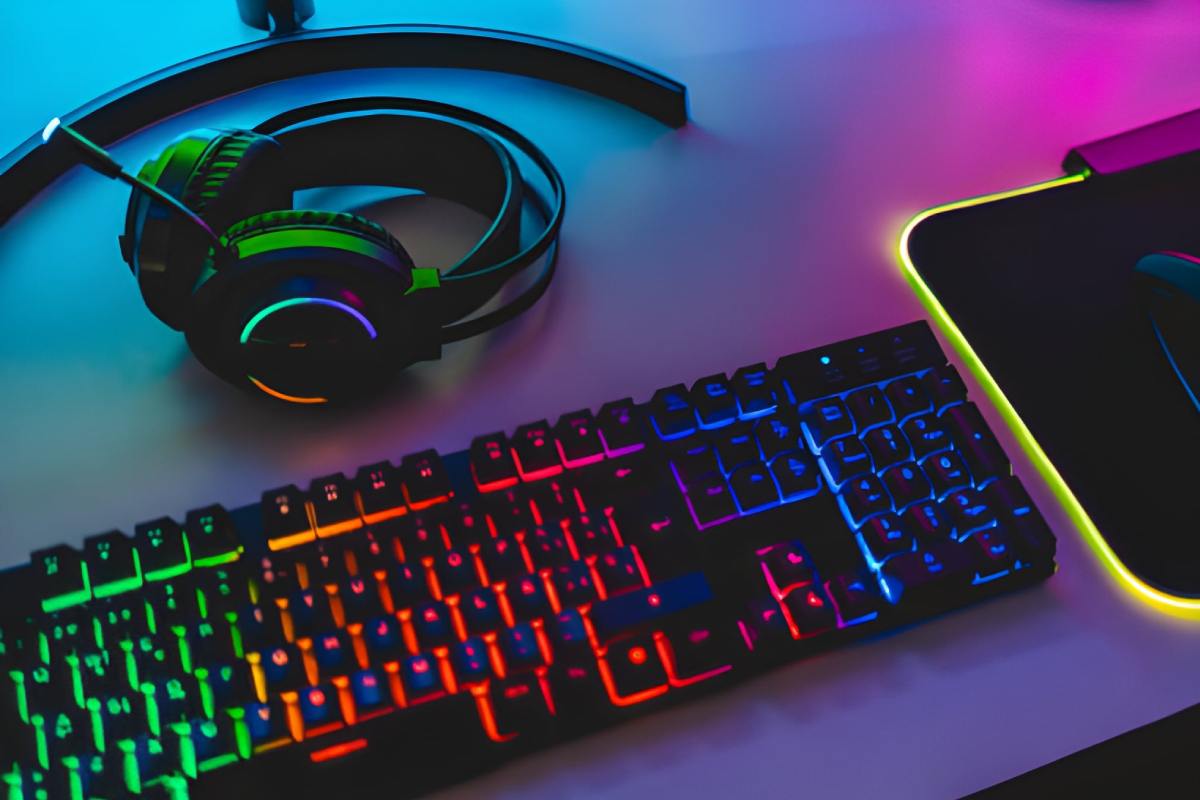
Gaming Keyboards
Have you decided to opt for PC gaming rather than console gaming? A PC keyboard is like a console controller; if you don’t feel comfortable with it, it can affect both your gaming skills and your overall experience.
For this reason, you should be meticulous when choosing a gaming keyboard—and especially when selecting the type of switches for your mechanical keyboard. If you are unsure which mechanical switch to choose, here are some recommendations to help you find the ideal model.
Choose Switches Based on Their Tactile Feel
Tactile feel is a crucial factor when selecting keyboard switches for gaming. Based on this tactile sensation, we can classify keyboards into two categories: linear switches and tactile switches.
Linear switches represent the classic format typically found in membrane keyboards. In practice, all you need to do is press the key straight down; a spring—calibrated to a specific tension—returns it to its original position.
I recommend these switches if you are looking for a fluid, smooth gameplay experience. The linear switch options I suggest are the Cherry MX Red or Cherry MX Black.
On the other hand, tactile switches are distinguished from linear ones by the presence of a “bump.” This “bump” consists of a slight, additional resistance—or a small physical protrusion—that is felt as the switch passes its actuation point. Consequently, this type of switch is recommended if you desire tactile feedback when pressing a key.
If you are new to using tactile switches, you may need some time to get used to them. For this type of switch, I recommend using the Cherry MX Brown as a benchmark.
Noisy vs. Silent Switches
Consider the sound your switches produce. This auditory factor isn’t always immediately obvious, as every gamer has their own unique preferences. Some enjoy hearing the sound of the keys, as it allows them to feel the action truly. Others, however, prefer to avoid the noise and focus only on in-game audio, which helps them concentrate better.
If keyboard noise doesn’t distract you, opt for “Clicky” switches. A small metal leaf—positioned at the actuation point—generates a very distinctive clicking sound. Their only minor drawback lies in pressure control, as it can be difficult to avoid bottoming out the key; consequently, getting used to this type of switch requires a brief period of adjustment. Cherry MX Blue switches are a very popular choice within this category.
Actuation Force, Durability, and Actuation Distance
Among the criteria that should not be overlooked, actuation force and actuation distance are the most technically significant.
If you are a casual gamer, it is clear that these types of criteria may not seem particularly obvious to you. However, for a professional gamer, they can make a substantial difference in the overall user knowledge.
Actuation distance refers to the point at which a key is activated through a precise combination of depth and pressure. A shorter actuation distance indicates that the keyboard offers greater responsiveness, though it also makes it more sensitive. The ideal actuation distance varies from player to player, though the average is typically 2 mm.
As for actuation force, this corresponds to the amount of pressure you must exert with your finger to press a key and reach the 2 mm actuation distance. For gaming purposes, a higher actuation force is generally preferable to help prevent accidental inputs. There is no single standard for operating force; it can range wherever from 45 to 60 g and is capped by a specific limit known as the “maximum force.”
Each brand establishes its own standards—a strategy that also serves as a means of differentiating itself from the competition. Among the most compelling options, Cherry’s MX Red model is widely recognised as the top choice for gaming. These are linear-style switches that do not produce an audible click (noise). They adhere to the standard 2 mm actuation distance and require an actuation force of 45 g.
If you are looking for a silent mechanical keyboard, choose tactile switches. In this case, you might opt for Cherry MX Brown (or simply “Brown”) switches; these are tactile switches that—unlike the aforementioned types—do not produce a clicking sound upon actuation.
Also Read: What Is an Instant Camera?